Automation
MCP
MCP (Model Context Protocol) servers give Halo tools from other apps: Notion, GitHub, Google Drive, Slack, Trello, Swiggy, Zomato and thousands more. Manage them in Settings›MCP Servers.
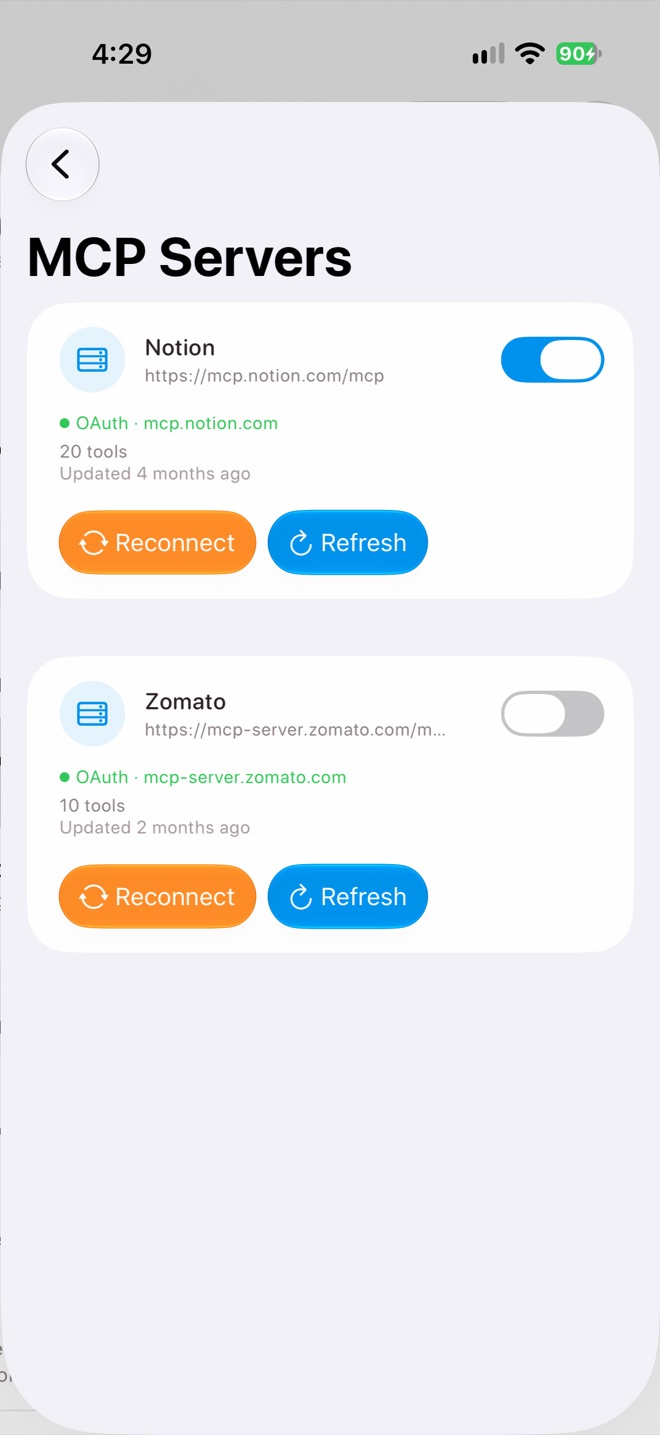
MCP Servers
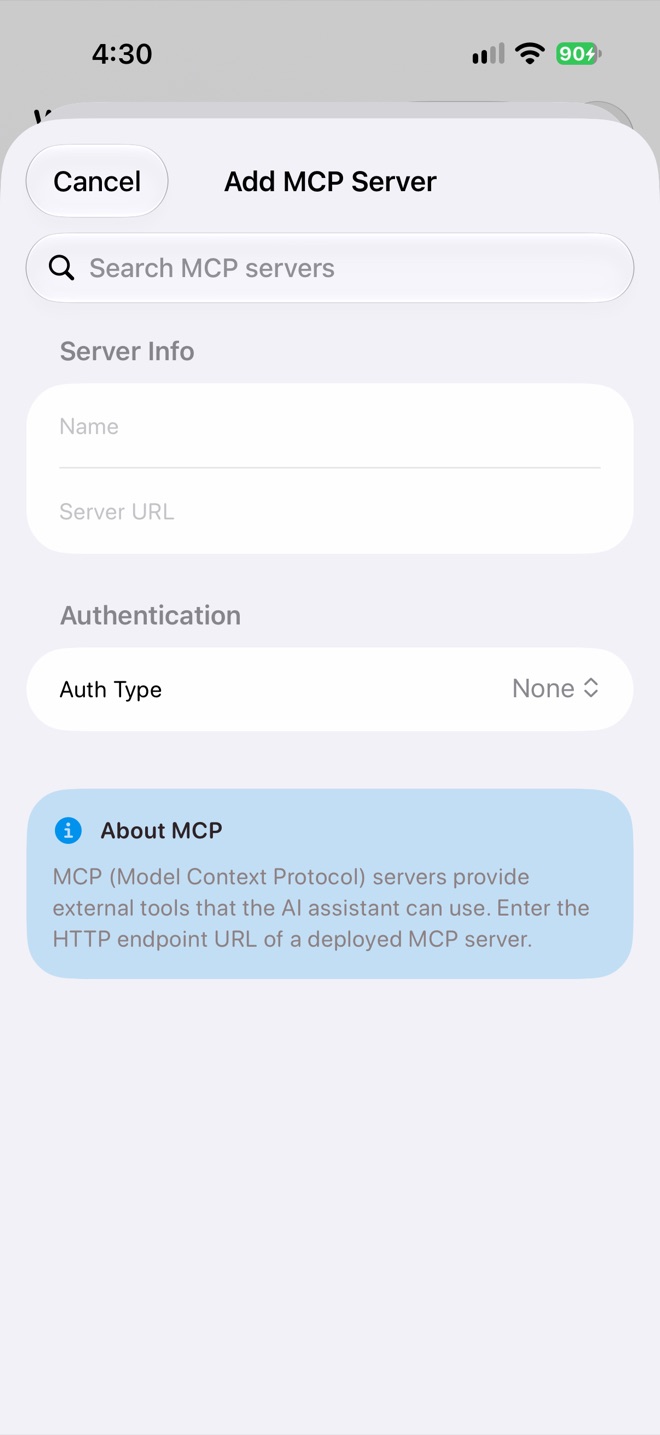
Add MCP Server
Adding a server
Tap + and search the official MCP registry, or enter a name and server URL yourself. Then choose how it signs in. Step by step: Connect an app with MCP.
| Auth Type | Use when |
|---|---|
| None | The server is public or protected some other way. |
| API Key | The service gives you a key or token. |
| OAuth | You sign in with your account. Halo detects this from the URL and shows Connect with OAuth. |
Each server shows
- How many tools it offers, and when they were last updated.
- How it signs in, like “OAuth · notion.com”, or “OAuth (expired)” when you need to sign in again.
- A switch to turn it on or off without removing it.
- Reconnect to sign in again, and Refresh to reload its tools.
In tasks
Chat can use any enabled server. Tasks only use the servers you add under What it can use › Add MCP Server.
Remote servers only
Halo connects to MCP servers over HTTP(S). Servers that run as a local command on a computer (stdio) can’t run on iPhone; use the service’s hosted server instead.
Privacy
Halo talks to MCP servers directly from your iPhone. Server definitions and sign-ins are saved in your workspace and sync to your devices. Sign-ins are refreshed by your primary device.